Viewing Files
viewmd renders different file types in different ways, always optimizing for readability.
Markdown
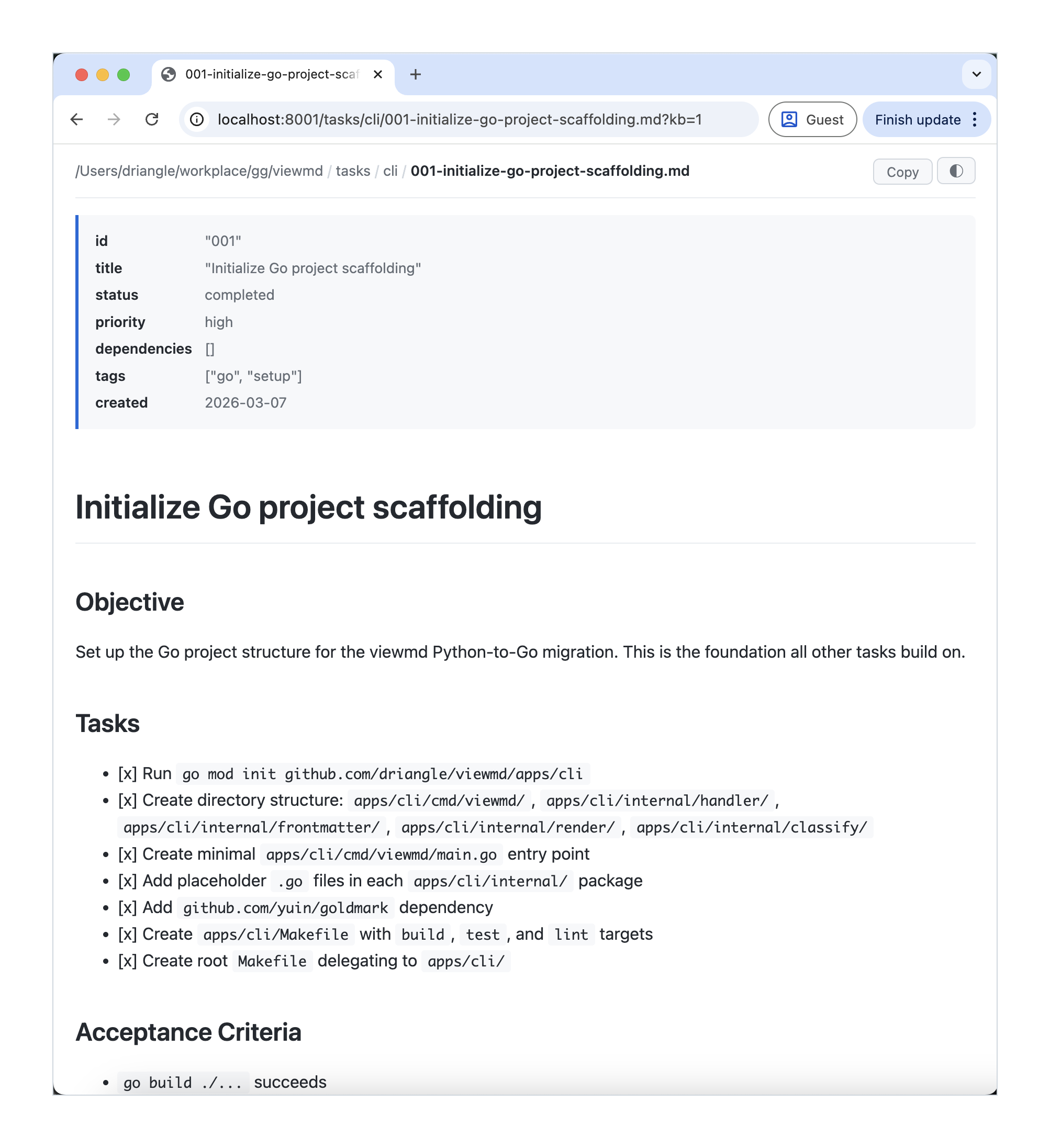
Markdown files (.md, .markdown) are rendered as full HTML with:
- Styled typography and headings
- Code blocks with syntax highlighting
- Tables with alternating row colors
- Blockquotes with accent borders
- Links, images, and lists
Frontmatter
If a markdown file starts with YAML frontmatter (delimited by ---), viewmd displays it as a metadata table above the rendered content:
---
title: My Document
author: Jane
date: 2026-01-15
---

# My Document

Content here...
The frontmatter is parsed as simple key-value pairs and shown in a highlighted box.
Code & Text Files
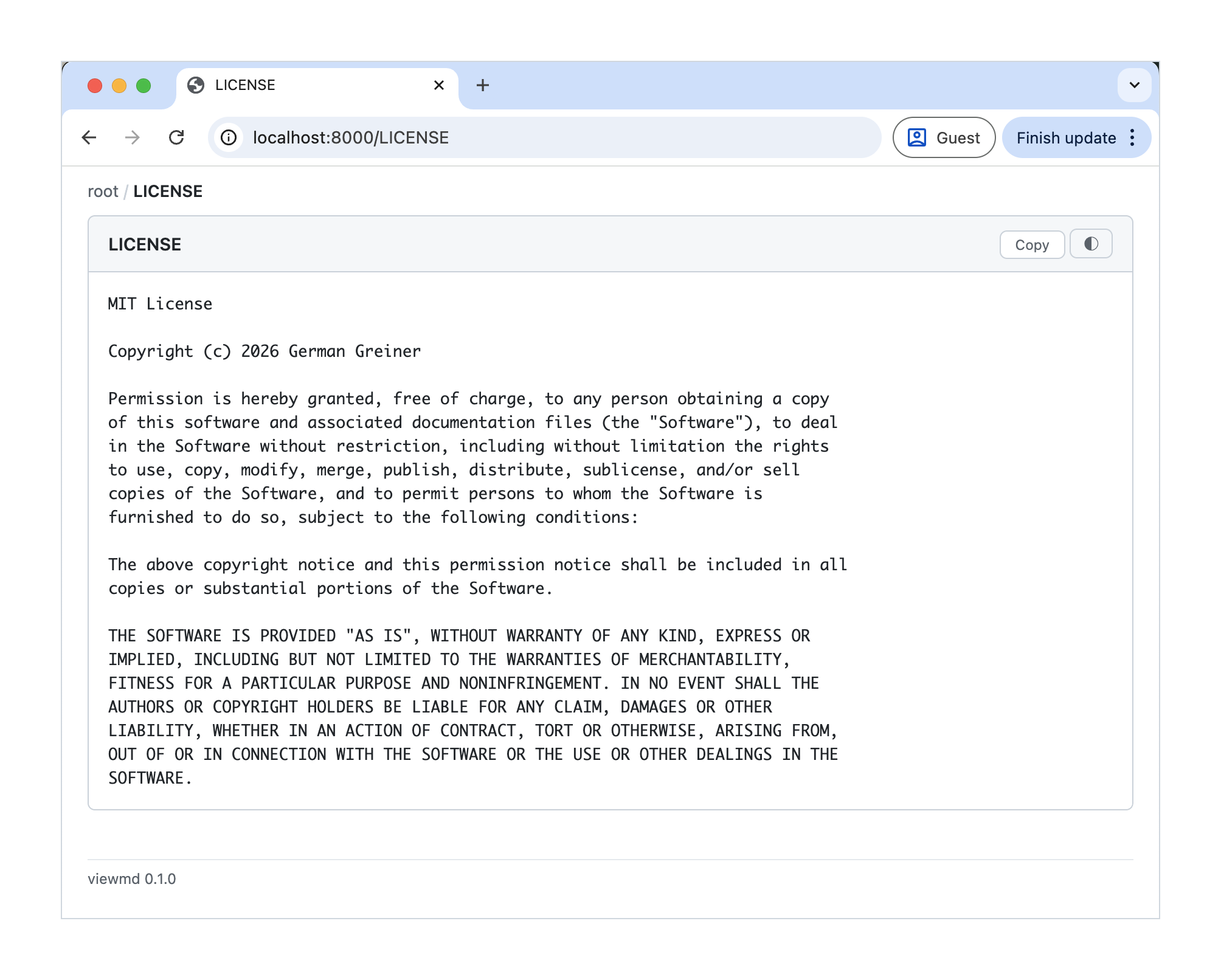
Text files are displayed with syntax highlighting in a monospace font. viewmd recognizes dozens of file extensions and special filenames — see Supported File Types for the full list.
Images
Images referenced in markdown are rendered inline. Image files in directory listings can be viewed directly.
Unsupported Files
Files that can't be previewed (binary files, unknown formats) show a "No preview available" page with a download link. You can download any file by appending ?raw=1 to its URL.
Copy to Clipboard
When viewing a markdown or text file, use the copy button in the top bar to copy the raw file contents to your clipboard.