Directory Browsing
viewmd provides a clean, navigable file listing for directories.
File Listing
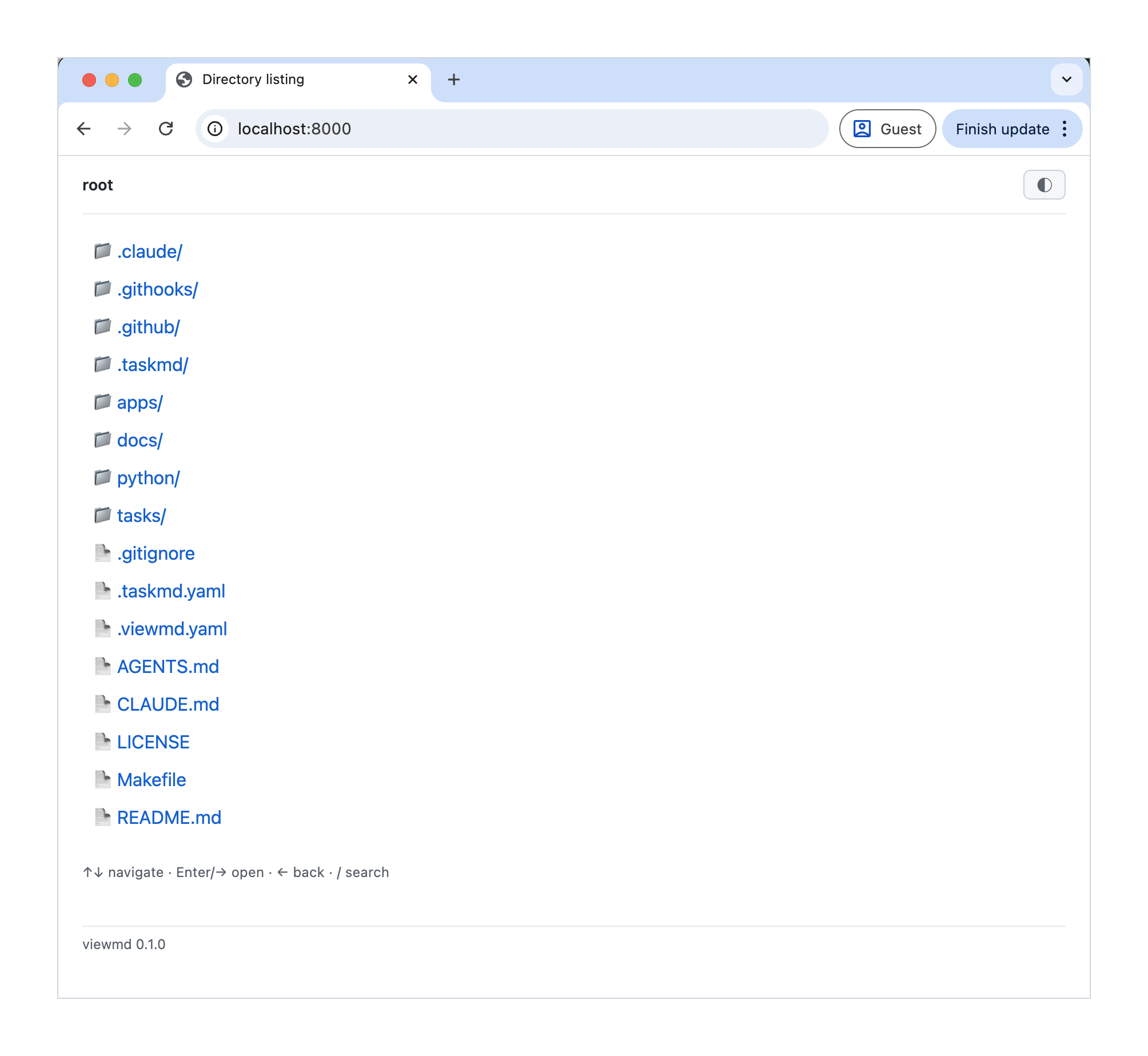
When you open a directory, viewmd shows its contents with:
- Directories listed first (alphabetically), then files
- Icons to distinguish folders from files
- Breadcrumb navigation showing the full path
Filtering Modes
Markdown Only (default)
By default, viewmd only shows:
- Markdown files (
.md,.markdown) - Directories that contain markdown files (recursively)
This keeps the listing focused when browsing documentation-heavy projects.
Show All
With the -a / --show-all flag (or show_all_files: true in .viewmd.yaml), viewmd shows all files and directories.
Auto-README
With the --auto-readme flag, navigating to a directory that contains a README.md will automatically render the README instead of showing the file listing.
Navigation
Click any file or directory to open it. Use the breadcrumb links at the top to navigate back up the directory tree.
The ?from=<name> parameter tracks where you came from, so the previously visited item is highlighted when you navigate back.
ZIP Export
Click the Download ZIP button in the top bar of any directory to download a ZIP archive of the folder's contents. Markdown files are automatically converted to rendered HTML in the archive, while all other files are included as-is. The archive preserves the directory structure.
You can also trigger this programmatically by appending ?export=zip to any directory URL.