
Web Interface
vibeview serves a local web UI for browsing your AI coding sessions.
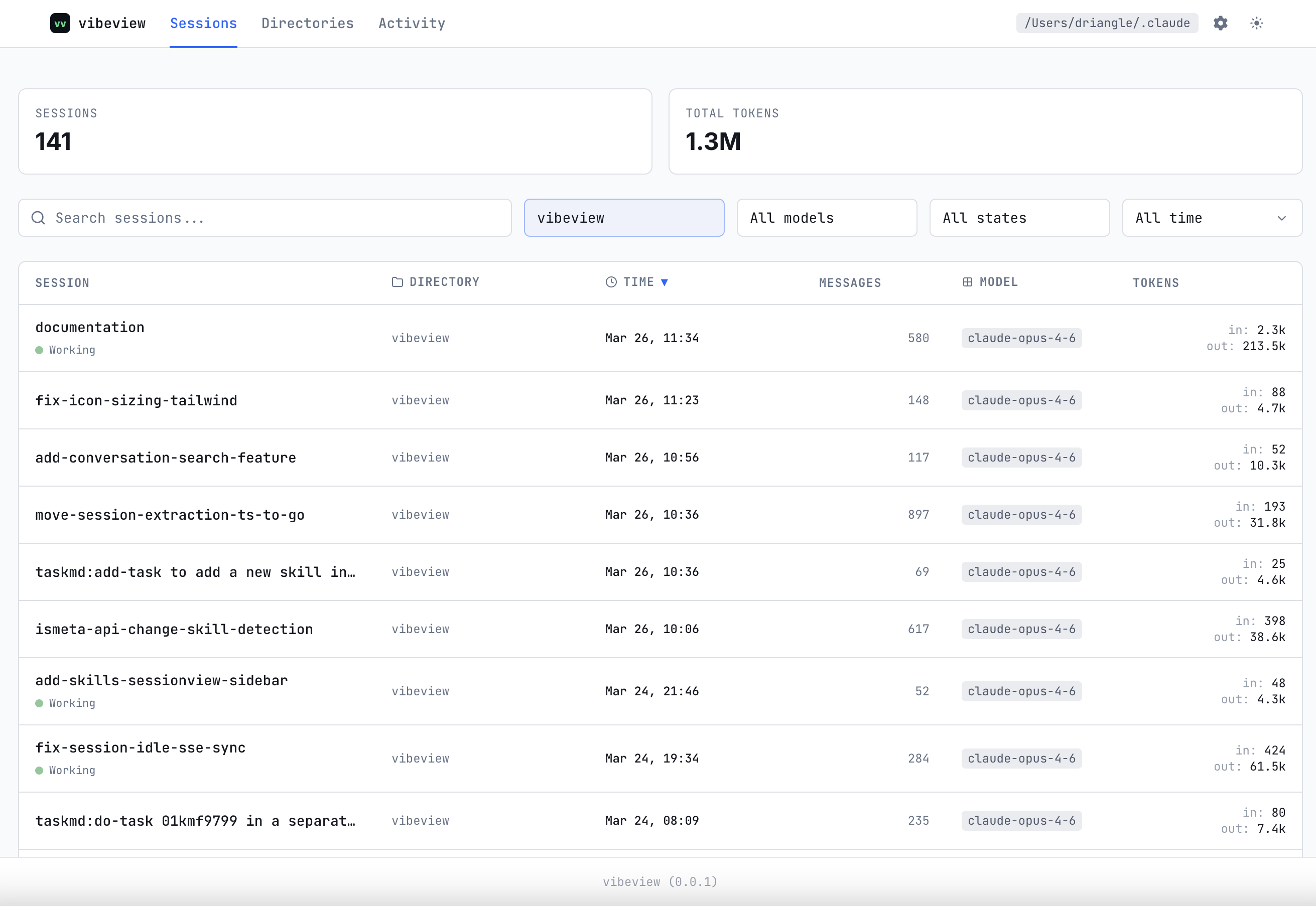
Session list
The home screen shows all discovered sessions sorted by most recent activity. Sessions update in real time as conversations progress.
Session detail
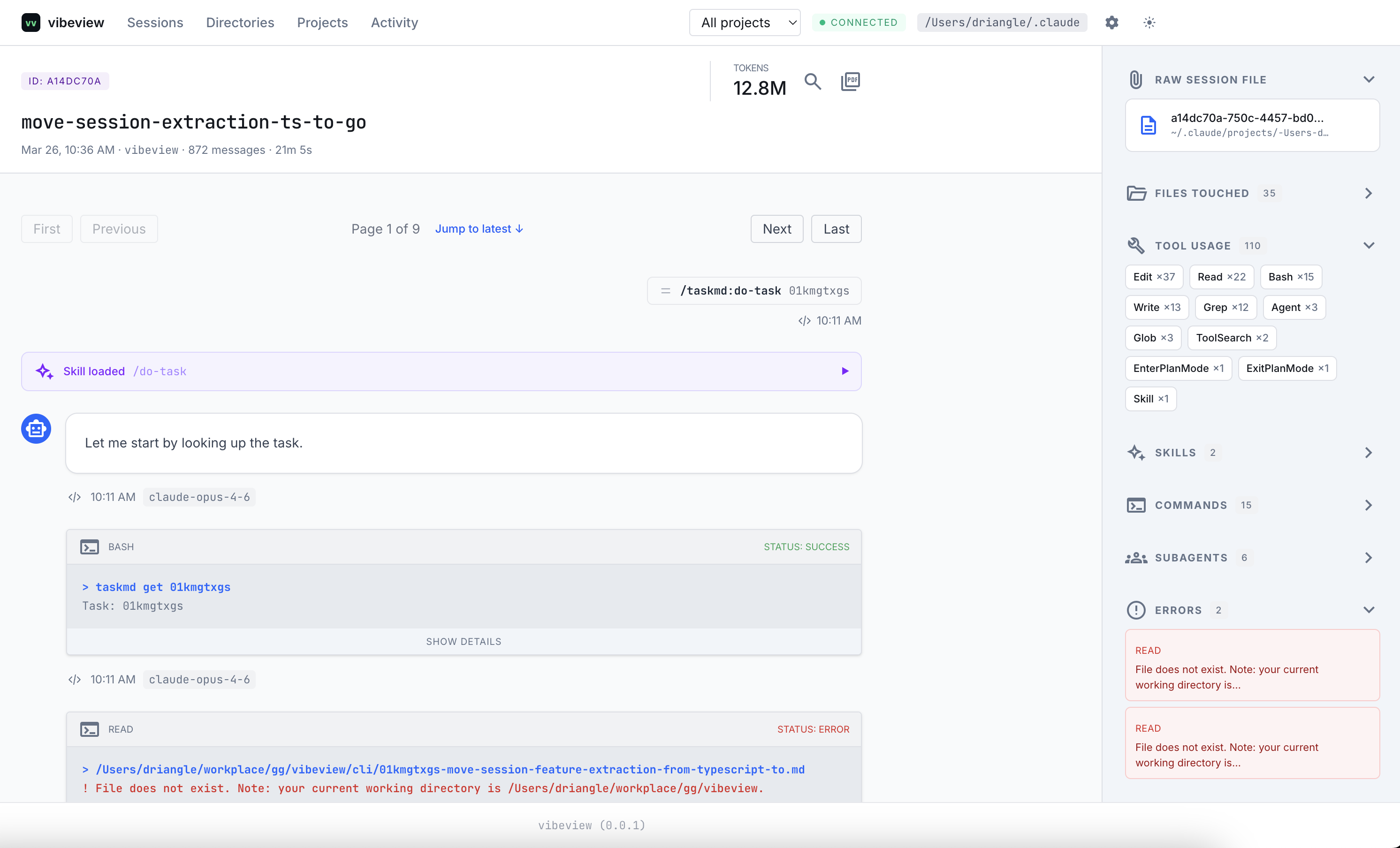
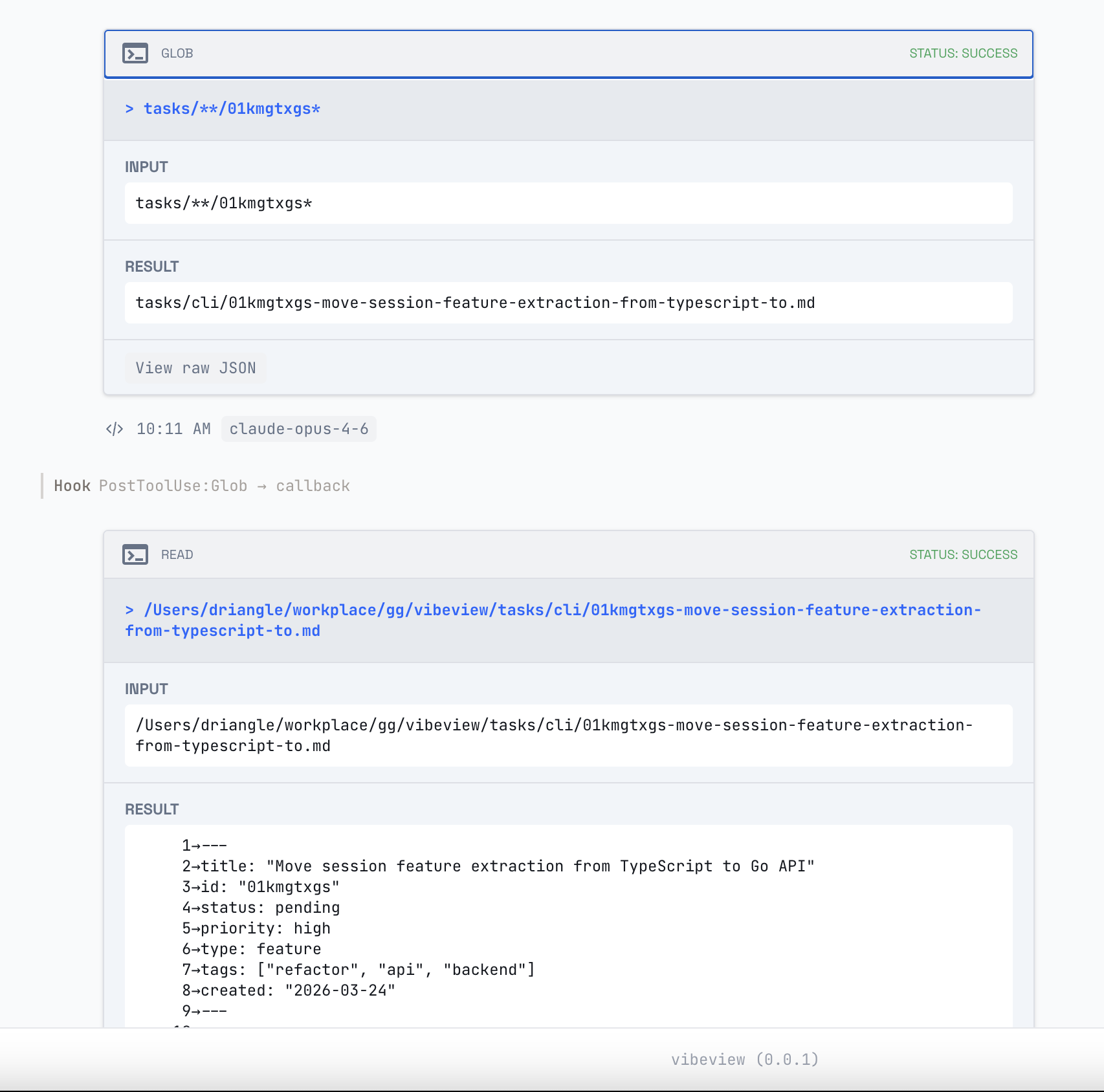
Click into a session to see the full conversation, including:
- Messages — user and assistant turns
- Tool calls — with expandable inputs and results
- File edits — inline diffs showing what changed
- Thinking blocks — the assistant's reasoning steps
Session insights
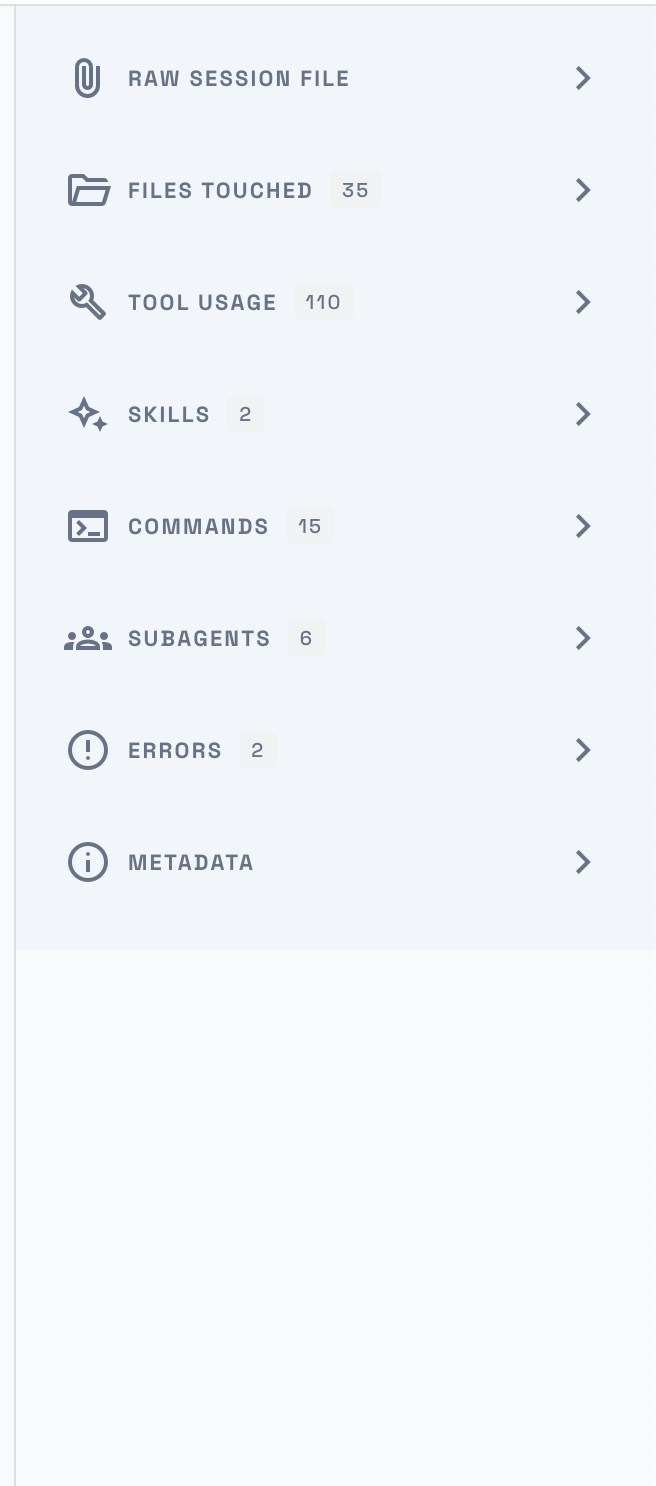
The sidebar shows a summary of the session — files touched, tool usage, skills, commands, subagents, and errors — giving you a quick overview without scrolling through the full conversation.
Directories
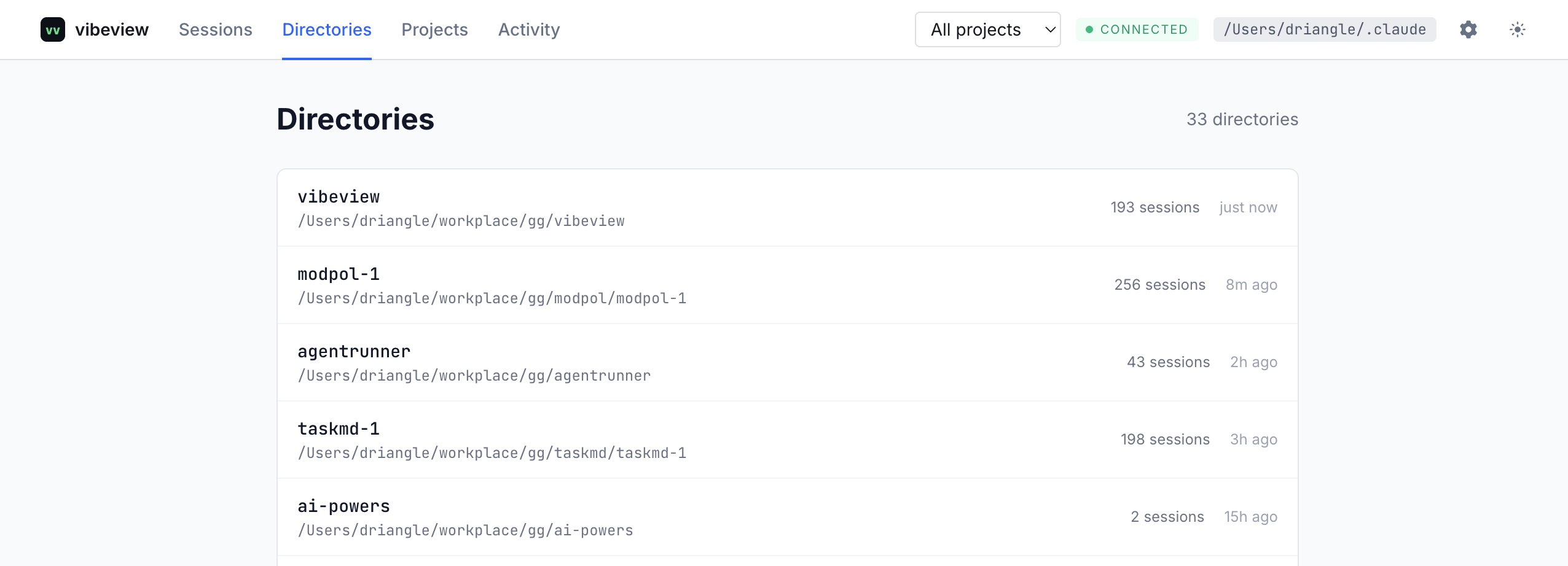
The Directories page groups sessions by their working directory. Each entry shows the directory path, the number of sessions, and when the most recent session was active. Clicking a directory filters the session list to that path.
Projects
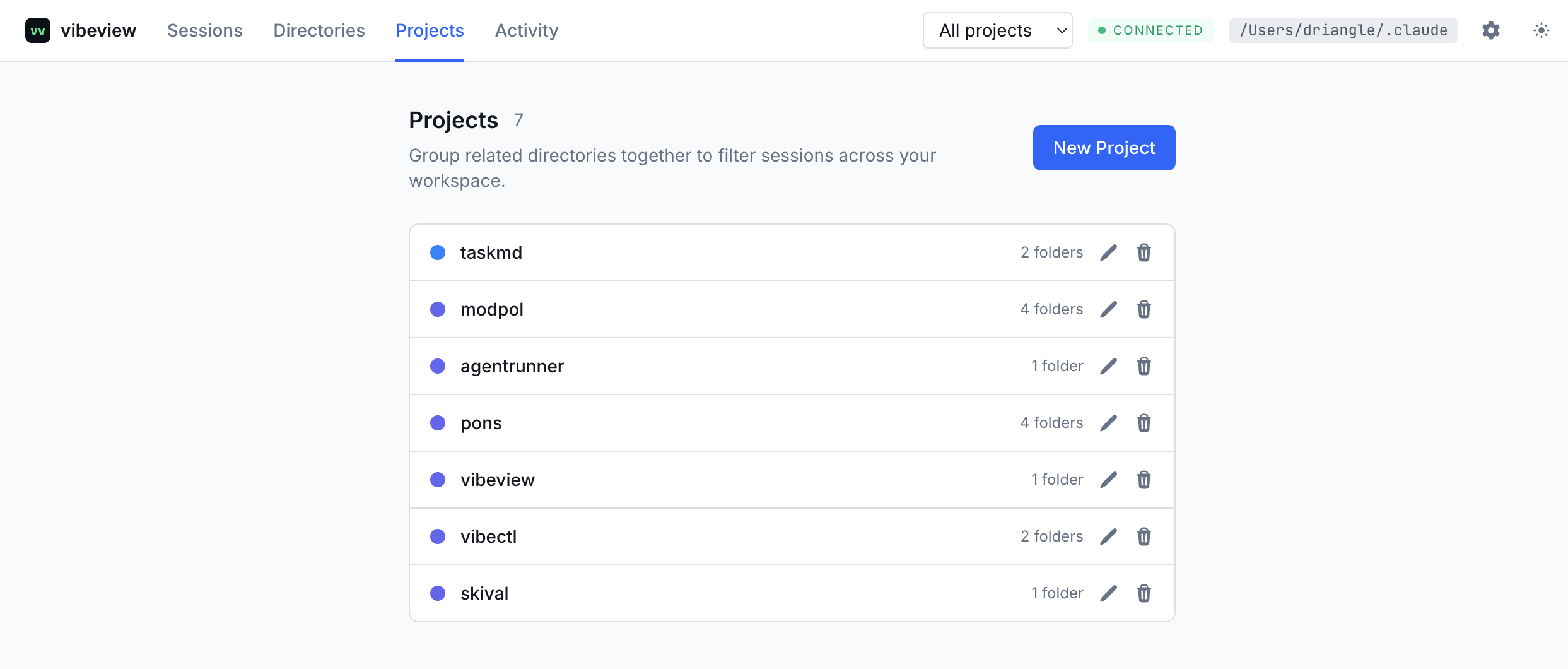
Projects let you group related directories together so you can filter sessions across your workspace. From the Projects page you can:
- Create a project with a name, description, color, and one or more folder paths
- Edit or delete existing projects
Once created, select a project from the navigation bar to scope the session list, directories, and activity views to that project's folders.
Activity
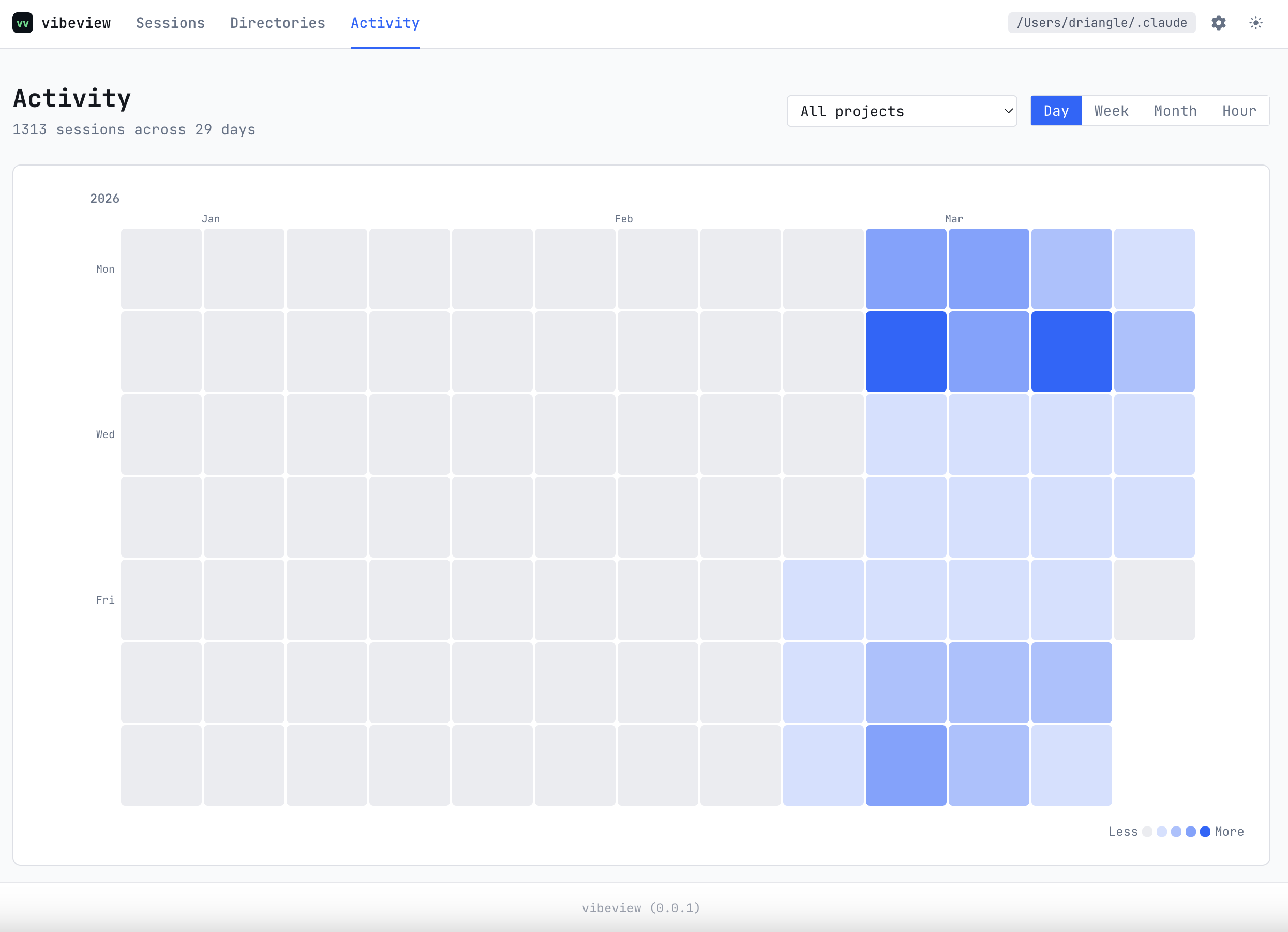
The Activity page visualizes your usage patterns across all projects. It includes a GitHub-style contribution graph showing session activity per day, and an hour-of-day chart breaking down when you're most active. Selecting a project from the navigation bar scopes these views to that project's folders.
Settings
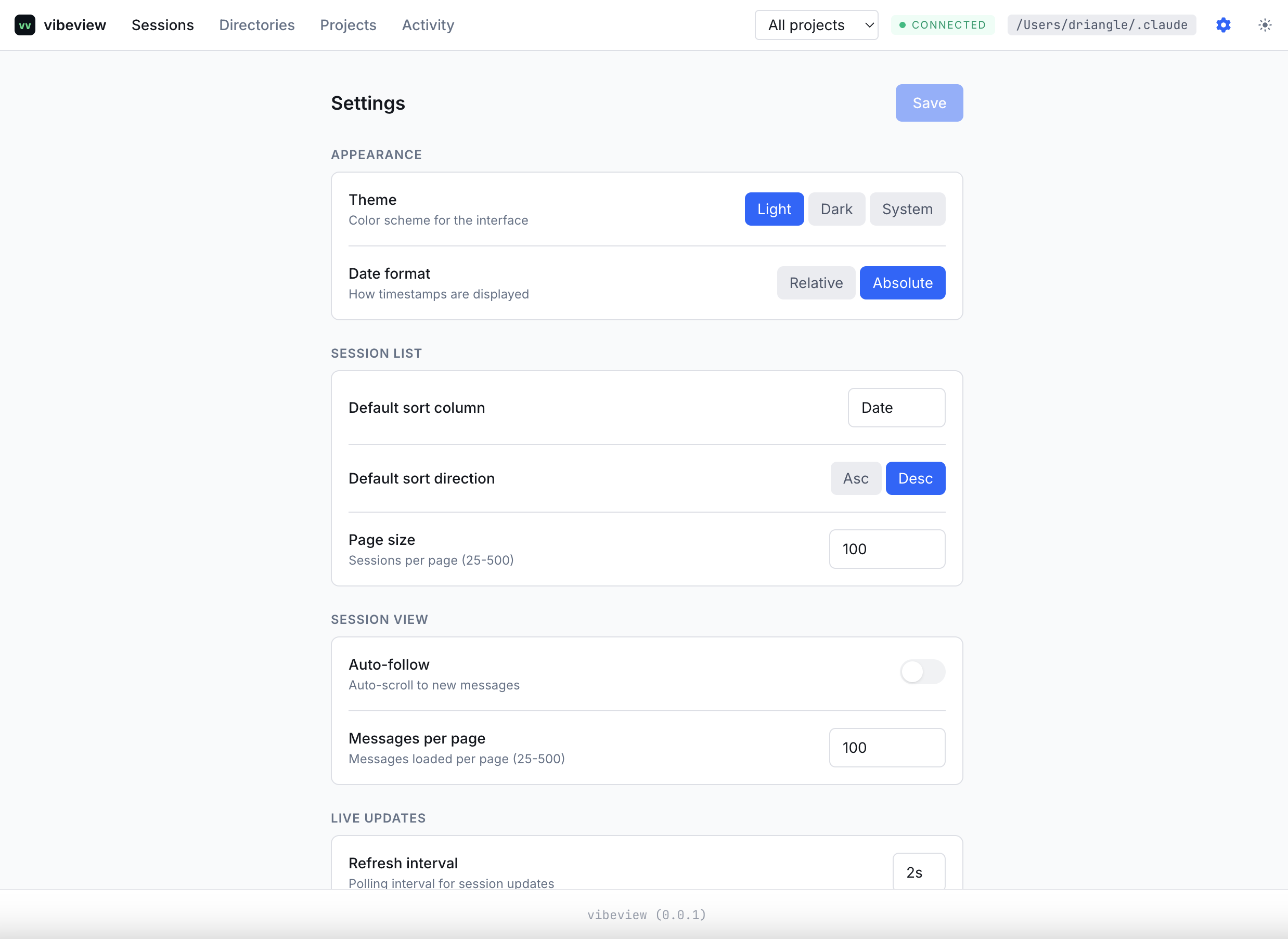
The Settings page lets you customize vibeview's behavior. Changes are saved to a local JSON file at ~/.config/vibeview/settings.json.
Appearance
| Setting | Options | Default | Description |
|---|---|---|---|
| Theme | Light, Dark, System | System | Color scheme for the interface |
| Date format | Relative, Absolute | Relative | How timestamps are displayed |
Session list
| Setting | Range | Default | Description |
|---|---|---|---|
| Default sort column | date, name, directory, messages, tokens, cost | date | Column used to sort the session list |
| Default sort direction | asc, desc | desc | Sort order |
| Page size | 25 -- 500 | 100 | Sessions shown per page |
Session view
| Setting | Range | Default | Description |
|---|---|---|---|
| Auto-follow | on/off | off | Auto-scroll to new messages in a live session |
| Messages per page | 25 -- 500 | 100 | Messages loaded per page |
Live updates
| Setting | Range | Default | Description |
|---|---|---|---|
| Refresh interval | 1s -- 60s | 5s | Polling interval for session list updates |
| Recent threshold | 1 min -- 1 hour | 5 min | How long a session is considered "recent" |