Quick Start
Get vibeview running in under a minute.
1. Install
bash
brew install driangle/tap/vibeviewSee Installation for other methods.
2. Run
bash
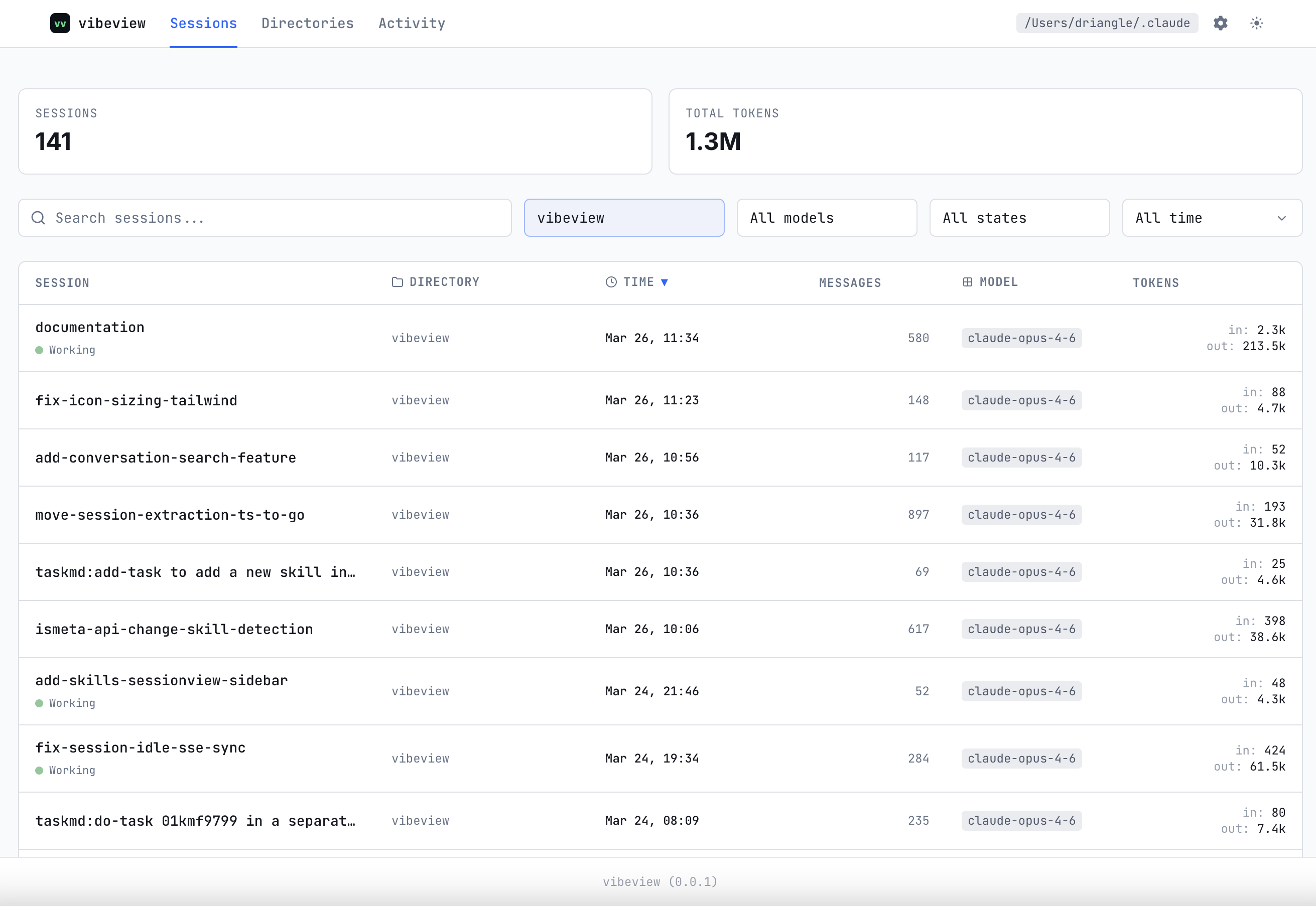
vibeview webvibeview starts a local web server. Open the URL printed in the terminal (or pass --open to launch the browser automatically). It discovers sessions from Claude Code — no configuration needed.
3. Browse
You'll see a list of your AI coding sessions. Click into any session to view the full conversation: messages, tool calls, file edits, thinking blocks, and cost breakdowns.