Quick Start
Get up and running with taskmd in under 5 minutes.
Looking for a full walkthrough?
See the Tutorial for a comprehensive, step-by-step guide covering installation, project setup, CLI usage, the web dashboard, and AI assistant integration.
What You'll Learn
- Install taskmd
- Create your first tasks
- Use basic CLI commands
- Launch the web interface
Prerequisites
- A terminal
- A text editor
- Go 1.22+ (only if building from source)
Step 1: Install taskmd
The easiest way is via Homebrew:
bash
brew tap driangle/tap
brew install taskmd
taskmd --versionSee Installation for all options including pre-built binaries, Go install, and building from source.
Step 2: Create a Project
bash
mkdir -p my-project/tasks
cd my-projectStep 3: Create Your First Task
Create tasks/001-setup-project.md:
markdown
---
id: "001"
title: "Set up project repository"
status: pending
priority: high
effort: small
tags:
- setup
created: 2026-02-09
---
# Set Up Project Repository
## Objective
Initialize the project repository with basic structure.
## Tasks
- [x] Create tasks directory
- [ ] Add .gitignore
- [ ] Initialize git repository
- [ ] Create README
## Acceptance Criteria
- Repository is initialized
- Basic structure is in placeStep 4: Validate Your Task
bash
taskmd validate tasks/Expected output:
✓ All tasks valid
Found 1 task(s)Step 5: List Your Tasks
bash
taskmd list tasks/You should see your task displayed in a table format.
Step 6: Create a Second Task with Dependency
Create tasks/002-write-docs.md:
markdown
---
id: "002"
title: "Write project documentation"
status: pending
priority: medium
effort: medium
dependencies:
- "001"
tags:
- documentation
created: 2026-02-09
---
# Write Project Documentation
## Objective
Create comprehensive documentation for the project.
## Tasks
- [ ] Write README
- [ ] Add usage examples
- [ ] Document API
## Acceptance Criteria
- README is complete
- Examples are clear and testedStep 7: Visualize Dependencies
bash
taskmd graph tasks/ --format asciiYou'll see a dependency graph showing that task 002 depends on 001.
Step 8: Find Next Task
bash
taskmd next tasks/taskmd will recommend task 001 since it has no dependencies and is pending.
Step 9: Launch the Web Interface
bash
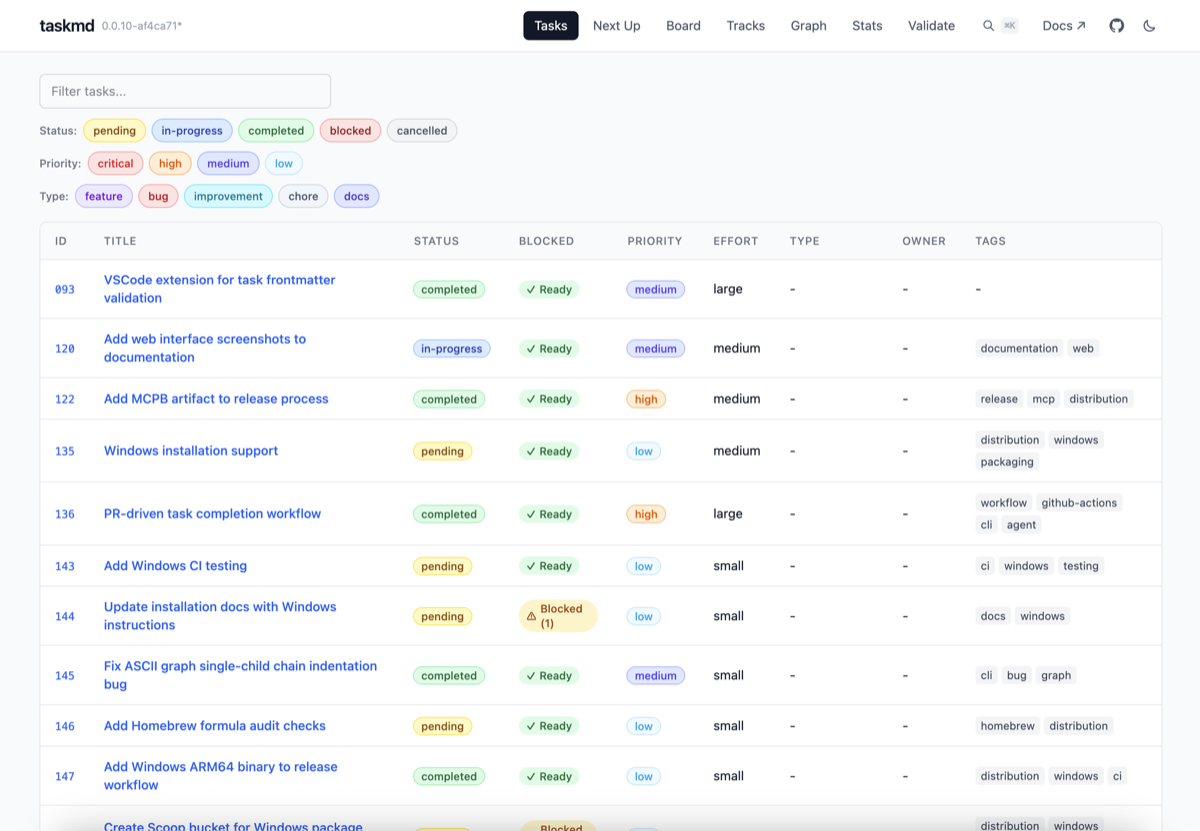
taskmd web start --openThis opens a web dashboard with task list, board, graph, and statistics views.

Next Steps
- Installation - All installation methods
- Core Concepts - Understand tasks, statuses, and dependencies
- CLI Guide - Full command reference
- Web Interface - Web dashboard walkthrough